









Ever wondered why some websites feel like a magnet for users? The secret lies in engagement—and quizzes and surveys are the ultimate tools to achieve it. They’re not just entertaining; they’re powerful. Imagine helping your visitors find their perfect product, collecting game-changing feedback, or simply giving your audience a reason to stick around longer. That’s the magic of quizzes and surveys.
The best part? You don’t need to be a tech wizard to add them to your WordPress site. With a handful of amazing plugins and a little guidance, you can transform your website into an interactive experience hub. Whether you’re a blogger, an e-commerce owner, or a marketer, quizzes and surveys can help you connect with your audience while collecting data that drives smarter decisions.
Ready to discover your site’s potential? Let’s dive into this step-by-step guide to creating quizzes and surveys that will wow your visitors and boost your results!
Why Quizzes and Surveys Are Game-Changers for WordPress Websites

Quizzes and surveys aren’t just trendy—they’re transformative tools for your website. Think about it: they combine engagement, entertainment, and insight gathering into a single interactive experience. Here’s why they’re so effective:
Boosting Engagement and Dwell Time
Interactive content like quizzes and surveys grabs attention instantly. Unlike static content, they invite your audience to participate, making them feel involved. This interaction naturally increases the time users spend on your site (dwell time), which is a key factor search engines use to rank websites.
For example, Buzzfeed quizzes have mastered this art—“Which [insert trendy topic] Are You?” quizzes keep users entertained for several minutes while encouraging social sharing. The result? More traffic, more shares, and a higher chance of going viral.
Boost Engagement with Custom Quizzes and Surveys
Want to captivate your audience and collect valuable insights? Our WordPress experts can help you design and implement interactive quizzes and surveys tailored to your needs.
A Dual Purpose: Fun and Functional
Quizzes and surveys do more than just entertain; they’re powerful tools for gathering actionable data. Here’s how they serve two purposes at once:
- For Users: They’re fun, engaging, and rewarding. Whether it’s finding out which fictional character they resemble or sharing their preferences in a survey, users enjoy the experience.
- For Businesses: They provide invaluable insights into user preferences, opinions, and behavior. A survey asking “What product features matter most to you?” can guide your next product launch. Similarly, a quiz that collects user data can seamlessly feed into your email marketing strategy.
Real-Life Examples That Shine
- Buzzfeed Quizzes: Known for creating highly shareable, personality-driven quizzes, Buzzfeed turns user interaction into a massive traffic driver.
- E-commerce Product Finders: Brands like Sephora use quizzes to help users discover the perfect foundation shade or skincare routine, enhancing the shopping experience and driving sales.
- Customer Feedback Surveys: Businesses like Amazon and Shopify use surveys to gather insights about user satisfaction and improve their offerings.
Choosing the Right Tool: Plugins That Make It Easy
Not all quiz and survey plugins are created equal. The right tool can make the process seamless and give your users an engaging, polished experience. Here’s what you should look for in a plugin and some top recommendations to get you started.
Must-Have Features in a Quiz/Survey Plugin
To create quizzes and surveys that captivate your audience and deliver actionable insights, your plugin should offer these essential features:
- Drag-and-Drop Interface for Beginners
Building quizzes and surveys should be intuitive. A drag-and-drop interface ensures you can create interactive content without coding skills or technical know-how. - Customizable Designs to Match Branding
Your quizzes and surveys should reflect your brand’s style. Look for plugins that allow you to tweak colors, fonts, layouts, and even add images or videos to match your website’s aesthetic. - Integration with Email Marketing Tools
Lead generation is often the goal of quizzes and surveys. Plugins that integrate with email platforms like MailChimp or ConvertKit make it easy to collect and organize user data for targeted campaigns. - Analytics for Result Tracking and Optimization
Knowing how your quizzes and surveys perform is crucial. Plugins with built-in analytics help track completion rates, user preferences, and overall engagement, so you can refine your content for better results.
Explore: Top Lead Generation Plugins For WordPress
Top Plugins to Consider
Here are some standout plugins that make creating quizzes and surveys on WordPress a breeze:
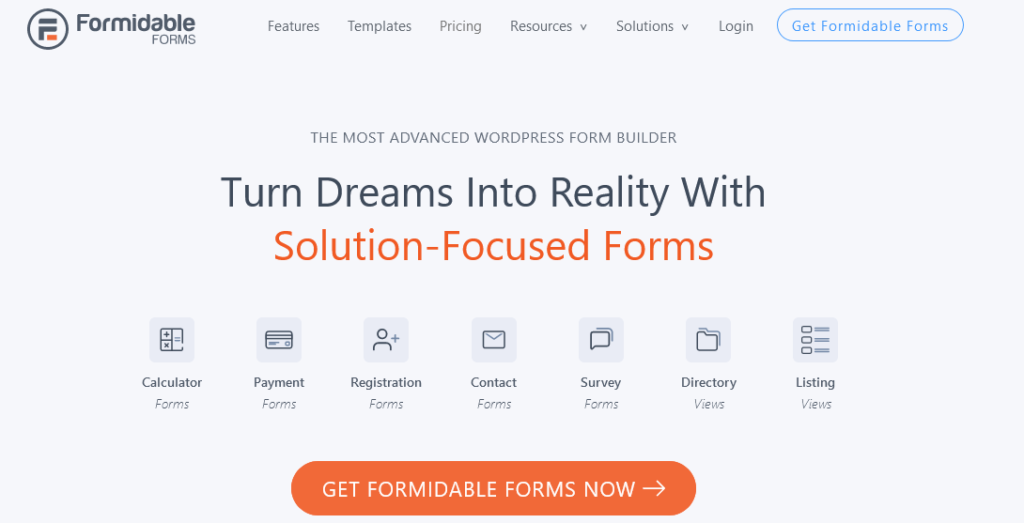
A versatile plugin designed for advanced forms, surveys, and quizzes, complete with conditional logic and data visualization tools. It’s perfect for businesses looking to create highly detailed and functional interactive content.
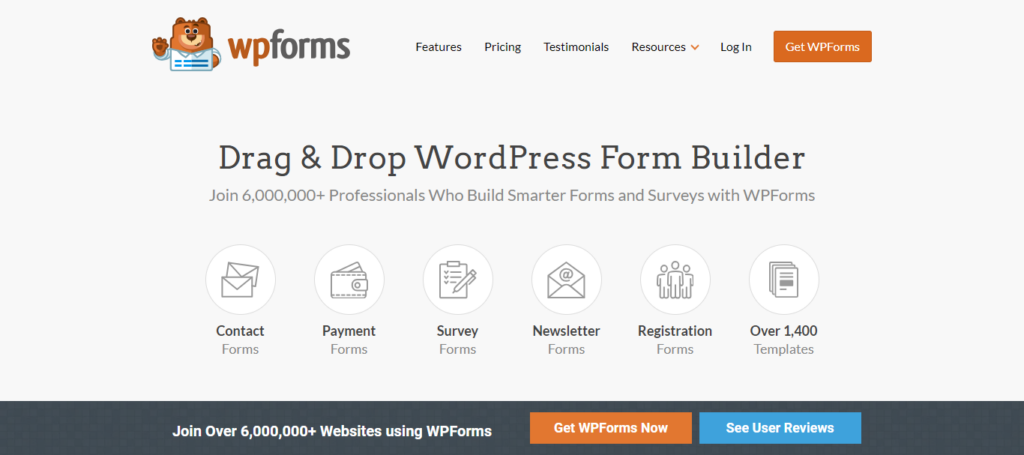
Known for its simplicity, WPForms offers a drag-and-drop interface and pre-built templates for quickly building professional quizzes and surveys. It’s ideal for beginners or those who value ease of use.
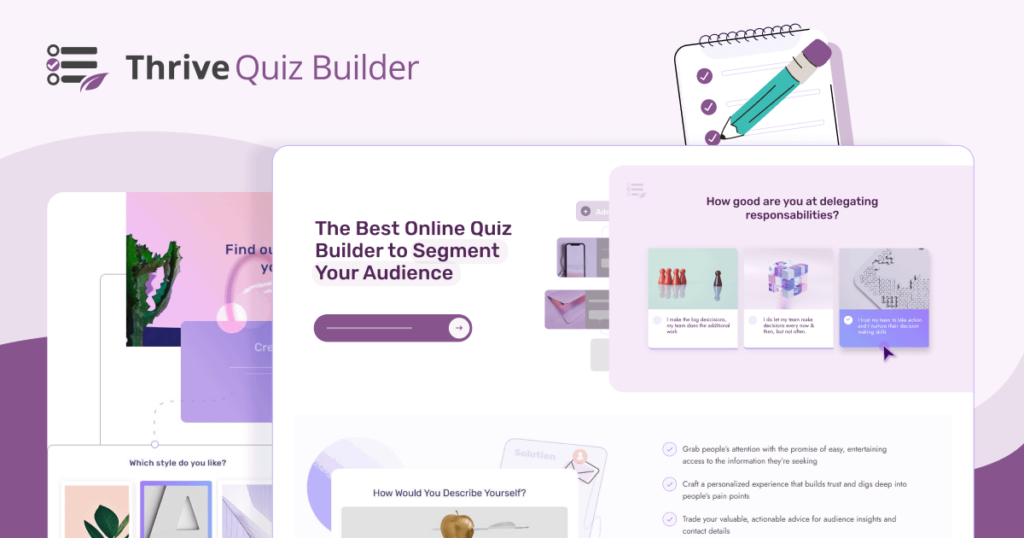
A visually focused plugin that helps you create interactive quizzes with stunning designs, social sharing options, and lead generation features. Perfect for marketers aiming to boost engagement and grow email lists.
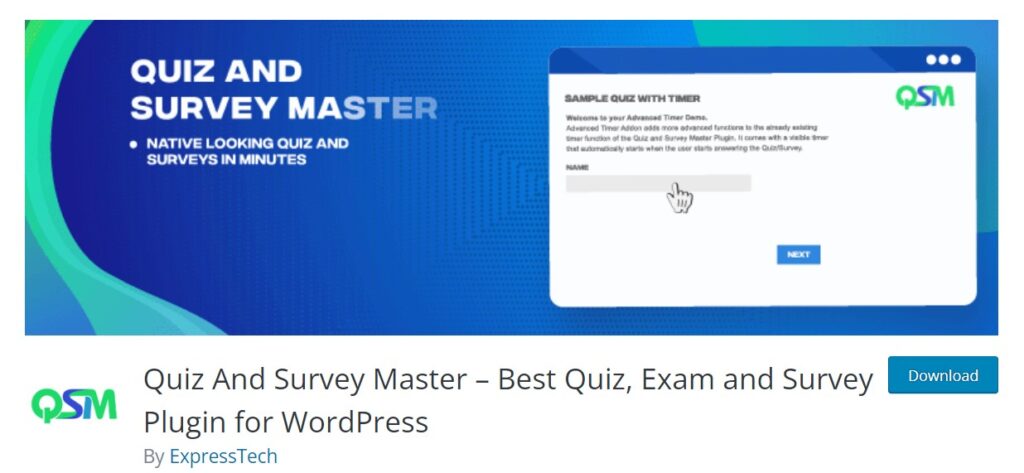
This plugin excels in customization, offering multiple question types, CSS styling options, and integration with tools like Zapier. It’s a great choice for users who want full control over their quiz or survey’s appearance and functionality.
Step-by-Step Guide: Create Quizzes or Surveys on WordPress

Creating a quiz or survey on WordPress is easier than you think. Here’s a step-by-step guide to help you get started, from installing the plugin to publishing your interactive masterpiece.
Step 1 – Install and Activate the Plugin
To begin, you need a reliable plugin. Here’s how to set it up:
- Navigate to your WordPress Dashboard and go to Plugins > Add New.
- In the search bar, type the name of your desired plugin, such as “Thrive Quiz Builder” or “Quiz and Survey Master.”
- Once the plugin appears in the results, click Install Now and then Activate.
- After activation, look for the new plugin menu in your dashboard sidebar. This is where all the magic happens!
Step 2 – Designing the Quiz or Survey
Now it’s time to design your quiz or survey:
- Choose a Template: Most plugins offer pre-designed templates to save you time, or you can start from scratch for a fully customized look.
- Add Questions: Select the type of questions you want, such as multiple choice, image-based, or open-ended. Plugins like Thrive Quiz Builder even allow you to add fun visuals for an extra layer of engagement.
- Customize the Layout: Use the plugin’s editor to tweak colors, fonts, button styles, and more. This ensures your quiz or survey aligns with your website’s branding.
Step 3 – Adding Logic and Scoring
This step enhances the interactivity and functionality of your quiz or survey:
- Conditional Logic: Set up branching logic to display specific questions based on user responses. For example, if a user selects “Yes,” show them follow-up questions related to their choice.
- Assign Scores: For quizzes, assign points to each answer to make them competitive or educational.
- Feedback Options: Enable feedback to show users whether their answers are correct or incorrect, adding an educational or gamified element.
Find: Top WordPress Quiz Plugins
Step 4 – Publishing Your Quiz or Survey
Once you’re happy with your quiz or survey, it’s time to share it with your audience:
- Embed Using Shortcodes or Blocks: Most plugins generate a shortcode that you can paste into any page, post, or widget area. Alternatively, use a block editor to drag and drop your quiz directly onto the page.
- Strategic Placement Tips:
- Landing Pages: Capture leads or promote products with targeted quizzes.
- Blogs: Add relevant surveys to gather feedback or boost engagement.
- Pop-ups: Use a survey to grab attention and collect user insights without disrupting the browsing experience.
Enhancing User Engagement

Interactive quizzes and surveys are fantastic tools to boost engagement, but to truly captivate your audience, you need to go the extra mile. Here are some strategies to make your quizzes irresistible and your surveys impactful.
Make Your Quizzes Irresistible
- Add Timers for Urgency
A ticking clock adds an element of excitement and challenge. Whether it’s a personality quiz or a knowledge test, setting a time limit keeps users engaged and motivated to complete the quiz quickly. - Use Gamification with Leaderboards and Badges
Turn your quizzes into a game by introducing leaderboards or awarding badges. For example, display the top scorers on a leaderboard or let users earn fun badges like “Quiz Master” or “Trivia Champ.” This competitive element can drive repeated engagement. - Encourage Social Sharing of Results
Give users the option to share their quiz results on social media. It’s an excellent way to drive organic traffic while adding a social proof element. Platforms like Facebook and Twitter thrive on fun, shareable content—so let your quiz results do the talking!
Tips for Surveys
- Keep Them Short and Targeted
Respect your users’ time. Limit surveys to a few focused questions that directly address your objectives. A quick, easy-to-complete survey is far more likely to get responses. - Use Incentives Like Discounts or Free Resources
Sweeten the deal with a reward. Offering a small incentive, like a discount code or free ebook, can significantly boost survey completion rates. Make it worth their while!
Read: Reading Time WordPress Plugins
Pro Tips for Success
Crafting engaging quizzes and surveys is an art, but ensuring they perform well and provide a seamless user experience is where the real magic happens. Here are three pro tips to help you optimize your quizzes and surveys for success:
A/B Test Quizzes and Surveys for Performance
Not all quizzes and surveys are created equal, and what works for one audience may not work for another. A/B testing allows you to experiment with different elements, such as:
- Question types (multiple choice vs. open-ended).
- Design variations (minimalist vs. vibrant).
- Call-to-action placements (at the start, middle, or end).
Analyze metrics like completion rates, engagement time, and conversions to determine which version resonates best with your audience. Small tweaks can lead to big improvements!
Optimize for Mobile Responsiveness
With mobile users making up the majority of web traffic, your quizzes and surveys must look and function flawlessly on smaller screens. Ensure:
- Responsive Design: Content adapts to various screen sizes.
- Clickable Elements: Buttons and answer options are easy to tap.
- Fast Loading Speed: Heavy designs or complex features don’t slow things down.
Test your quizzes on multiple devices to catch any issues before they go live. A smooth mobile experience can drastically reduce drop-off rates.
Focus on User-Friendly Designs to Reduce Abandonment Rates
A clean, intuitive design keeps users engaged from start to finish. Consider the following:
- Minimal Clutter: Avoid overwhelming users with too much text or flashy visuals.
- Progress Indicators: Show users how far along they are in the quiz or survey.
- Clear Navigation: Include “Next” and “Back” buttons for easy movement between questions.
- Accessible Language: Use simple, clear instructions to guide users.
When your quizzes and surveys are easy to complete, users are far less likely to abandon them midway.
Conclusion
Quizzes and surveys are more than just interactive tools—they’re your secret weapon to boost engagement, gather valuable insights, and build stronger connections with your audience. From fun personality quizzes that go viral to targeted surveys that uncover critical feedback, they have the power to transform how users interact with your WordPress site.
By leveraging the right plugins, crafting user-friendly designs, and optimizing for performance with A/B testing and mobile responsiveness, you can create experiences that captivate and convert. Whether you’re a blogger, marketer, or business owner, quizzes and surveys can help you stand out in the crowded digital space.
So, what are you waiting for? Start creating your first quiz or survey today and watch your website engagement soar to new heights!